
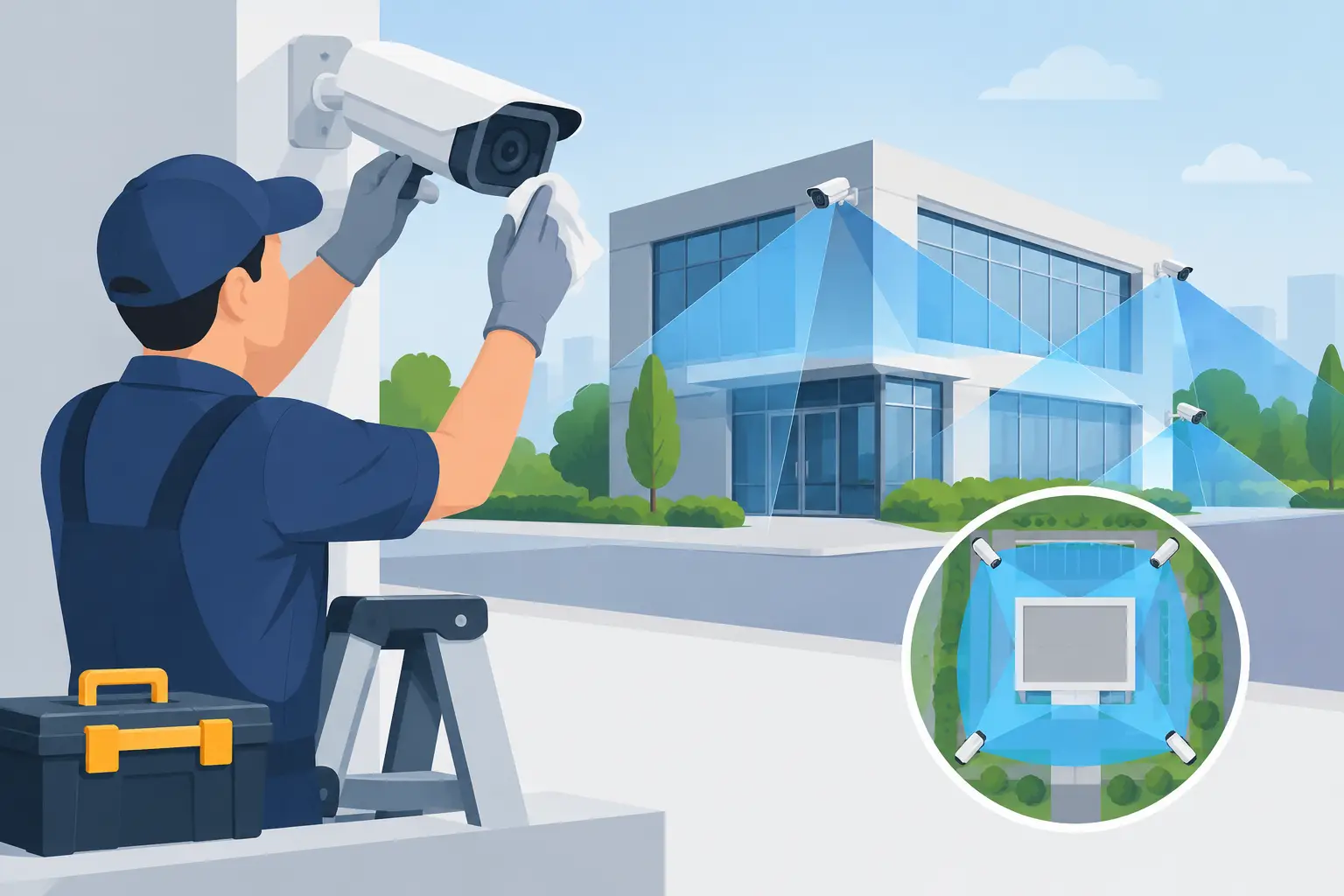
A CCTV system is only useful when it records a clear, usable image at the moment you need it. A camera covered in dust, pointed at the wrong area, or disconnected from its recorder can create a false sense of security. Knowing how to maintain CCTV cameras helps protect your property, preserves the life of the equipment, and gives you a better chance of capturing useful footage.
For homeowners, landlords, and business owners, most routine CCTV maintenance is straightforward. The key is making it regular rather than waiting until there has been a break-in, an incident, or a tenant reports that a camera is not working.
Start with a simple monthly visual check
Walk around the property once a month and look at every camera from the ground. Check that the housing is clean, secure, and still facing the intended area. Wind, vibration, accidental knocks, and building work can all shift a camera slightly. Even a small movement may turn a clear view of a gate, driveway, or entrance into a view of a wall or the sky.
Look for cracked casings, loose brackets, exposed cable, water marks, spider webs, and heavy dirt on the lens cover. Cameras installed outdoors naturally collect grime, particularly near roads, building sites, gardens, and commercial yards. Bird droppings and cobwebs are not just untidy. They can trigger motion alerts, obscure the image, and cause infrared night vision to reflect back into the lens.
It also pays to consider how the area has changed. A hedge may have grown into shot, a new sign may block a doorway, or an outdoor light may create glare. CCTV should be reviewed when you alter landscaping, extend a building, move stock, or change how people enter the property.
Clean lenses carefully, not aggressively
A dirty lens cover is one of the most common causes of hazy or poor-quality footage. Turn off power to the camera if you can do so safely, then use a soft microfiber cloth to remove loose dust. For stubborn marks, lightly dampen the cloth with clean water or a cleaner designed for optical surfaces.
Avoid abrasive cloths, scouring pads, strong solvents, and spraying liquid directly onto the camera. These can scratch the clear cover, damage seals, or allow moisture into the unit. A scratched cover can scatter light at night and leave every recording looking foggy.
For cameras fitted high on a wall or under eaves, do not take risks with ladders. The cost of a professional maintenance visit is small compared with an injury or damage to the camera and its cabling. This is especially true at commercial premises, where safe access and work-at-height requirements need to be considered properly.
Check the live view and recorded footage
A camera showing a picture on a monitor does not always mean the system is recording correctly. At least once a month, open the app, monitor, or recorder and check each camera both live and in playback. View footage from the previous day to confirm the date and time are correct and that recordings are being saved.
Pay attention to image quality at different times. Daytime footage may look fine, while nighttime footage is washed out by a nearby porch light, car headlights, or reflective surfaces. If faces, vehicle plates, entrances, or key access points cannot be identified, the camera angle or settings may need adjustment.
Test motion detection too. Walk through the monitored area and make sure an alert is created if your system uses notifications. Too many alerts can be as frustrating as too few, so adjust the detection zone and sensitivity where available. For example, exclude a busy public sidewalk where appropriate, but make sure the route to your own door, gate, or loading area remains covered.
Make sure the recorder has enough storage
Most CCTV systems overwrite older recordings once the hard drive or memory card is full. That is normal, but you should know roughly how many days of footage your system keeps. Storage time depends on the number of cameras, recording resolution, motion settings, and how often activity occurs.
If you expect to need footage from several weeks ago but your system only retains a few days, it may be time to increase storage or review the recording settings. A faulty hard drive can also cause gaps in recordings, error messages, clicking noises from a recorder, or a system that repeatedly restarts. These are signs to arrange an inspection rather than hoping the problem resolves itself.
Inspect cables, power supplies, and connections
Cameras need stable power and a dependable connection to the recorder or network. Check visible cables for signs of weather damage, chewing by pests, cuts, loose clips, or strain where they enter a wall. Do not pull on cables or open connections unless you know exactly what you are doing.
Wired systems are generally dependable, but a damaged cable can lead to intermittent picture loss. Wireless cameras are easier to position in some properties, although their performance depends on signal strength, battery condition where applicable, and a stable internet connection. If a wireless camera regularly drops offline, moving the router, reducing obstructions, or having the installation assessed may be more effective than simply resetting it over and over.
Power supplies and recorders should be kept dry, ventilated, and out of reach of children or unauthorized visitors. Avoid packing a recorder tightly into a cupboard with no airflow. Overheating can shorten the life of a hard drive and cause unexpected shutdowns.
Keep software, passwords, and access under control
Modern CCTV systems often rely on an app or online account for remote viewing. Check for manufacturer updates a few times a year, as these can improve reliability and address security weaknesses. Updates should be installed carefully, preferably when you can confirm the system comes back online afterward.
Use a unique, strong password for the CCTV account and change default login details as soon as the system is installed. Remove former staff, tenants, contractors, or family members who no longer need access. For a small business, it is sensible to decide who is responsible for managing user permissions so the system does not become inaccessible when a manager leaves.
If your cameras are connected to your network, your broadband router also matters. Keep its software updated and use a secure Wi-Fi password. These basic steps help reduce the risk of unauthorized access to cameras and footage.
Seasonal care matters in the North East
Outdoor cameras face more than ordinary wear in the North East. Rain, frost, coastal air in some areas, wind, and low winter light can all affect performance. Check external cameras after severe weather, particularly if you notice a camera has moved or its picture has become unclear.
In winter, clear away leaves and debris around the camera rather than scraping ice from the lens cover. Condensation inside a camera is more concerning. A small amount on the outside can be normal, but persistent moisture behind the cover may indicate a failed seal and should be addressed before corrosion develops.
During warmer months, check for insects and nests around housings and infrared lights. A spider web directly across the lens is a common reason for false nighttime motion alerts. Trimming back plants also helps keep views clear, but do so with care around cable routes.
When to call a professional
Routine checks are sensible for most property owners. Electrical faults, replacement power supplies, hardwired camera repairs, major angle changes, new camera positions, and damaged external cabling are jobs best handled by a qualified professional. CCTV can involve mains power, low-voltage connections, drilling into external walls, network setup, and safe access equipment.
You should arrange help if a camera has no image after a basic restart, footage is missing, water has entered equipment, or the recorder makes unusual noises. It is also worth getting an existing system assessed after purchasing a property or taking over a commercial unit. Older equipment may still work, but it may not provide the coverage, storage, or image quality you actually need.
BS Electrical can inspect, repair, and upgrade domestic and commercial security systems with the same straightforward approach used on every electrical job. The aim is not to sell unnecessary equipment, but to make sure the system you rely on is working properly.
A short monthly check, a careful clean, and an occasional look at real recorded footage will catch most problems before they matter. If something does not look right, deal with it early while it is a maintenance job, not evidence you wish you had.